Hiking app · UA-style hooks
TrailMate
3 pains. 1 body.
- Pain
- Costly installs. Creatives burn out fast.
- Creatives
- 3 hooks · 15 s · 9:16
- Channels
- Meta (Reels, Stories, Feed), Google App Campaigns (Shorts)
- We measure
- Hook rate · CTR · CPI · ROAS
The client
Hiking planner for weekend walkers and nervous beginners.
Pick a trail by difficulty, distance and views; see the route with an elevation profile, water points and viewpoints. Audience: city people aged 25–45 who hike on weekends, and beginners afraid of the wrong trail.
The pain
Costly installs. Creatives burn out fast.
For the business. The app looks like every other map and tracker. Installs are expensive, ads fatigue within weeks, and reshooting a whole video to test a new angle costs too much.
For the user. Three things spoil a hike: mud and no signal, a trail harder than promised, half a day lost choosing between apps.
The solution
One pain per hook, one shared body. The viewer recognises their own bad day in three seconds, then sees the app fix it, so any difference in results comes from the hook alone.
Trail carousel Easy / Moderate / Hard, a route that draws itself in sync with its pins, the elevation profile, a forest-ridge-lake split, and an animated end card in the new TrailMate green.
What we measure
- Hook rate
- CTR
- CPI
- ROAS
Concept case built to show the method. These are the metrics every hook is judged on; live numbers appear here once a client test runs.
Second by second
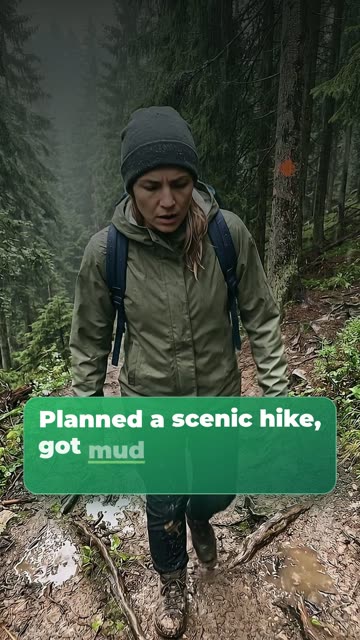
0:00 Hook: the pain on screen
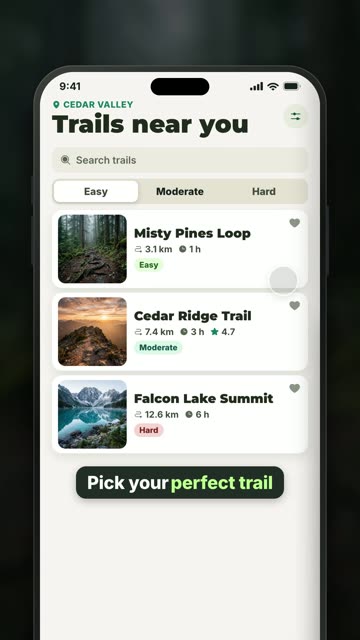
0:04 Trails by level
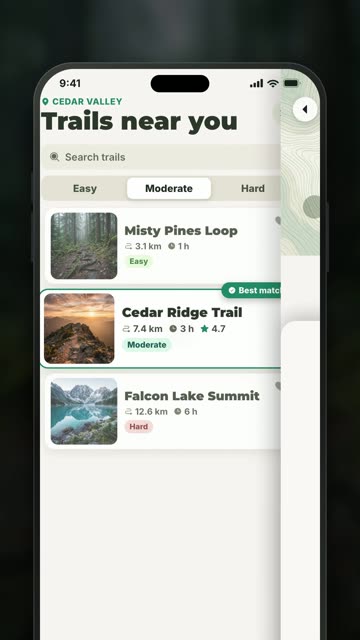
0:06 Moderate, best match
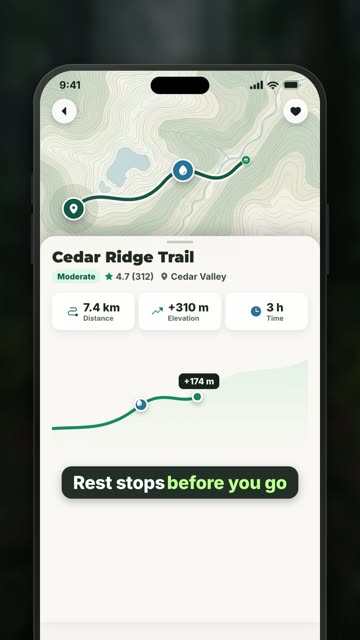
0:08 Route and rest stops
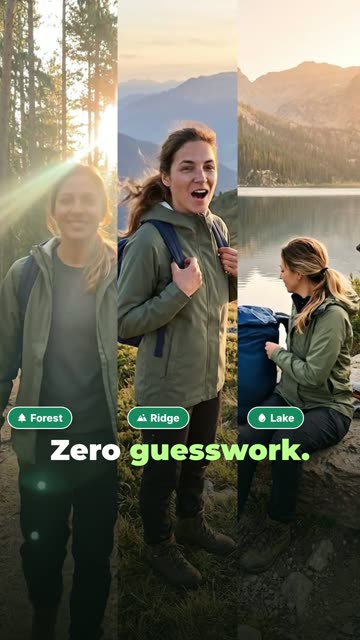
0:11 Forest, ridge, lake
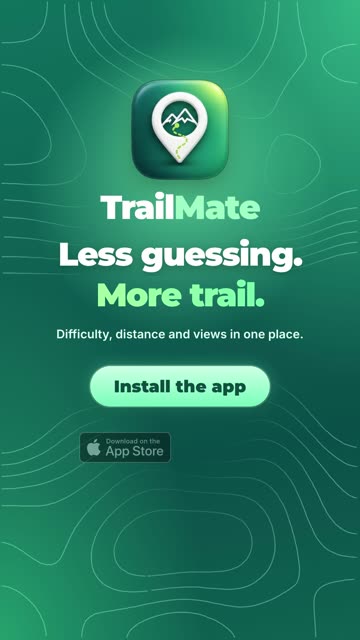
0:13 End card: Install the app
How we built it
- Brief and hypothesis: which pain gives the best hook rate
- Character sheet: one face in every scene, four angles, four moods
- Keyframes in Nano Banana, video takes in Veo 3.1
- Interface and motion in code: route, pins, elevation
- New end card and logo animation from the team’s design
- Checks: Reels safe zones, text contrast, loudness
What you receive
- 3 hooks, one body
- 15 seconds, 1080×1920
- Voice, captions and a track per hook
- Animated end card and logo
- Written test plan